

Intrusion Detection
AI-powered monitoring identifies unauthorized access attempts in real time.
Android Anti-Theft Protection
OOLOO Security quietly monitors suspicious activity, captures evidence in real-time, and sends instant alerts to your email so you always stay in control.
Feature Suite
AI-powered monitoring identifies unauthorized access attempts in real time.
Captures high-fidelity video evidence during intrusion events.
Environmental audio capture for complete evidence logs.
Real-time GPS tracking helps you locate your device quickly.
Silent photo recording without alerting the intruder.
Instant alarm when charging is disconnected while protected.
Evidence reports are sent to your email in under 30 seconds.
Plays an alarm if someone snatches or silently picks up your phone.
Coming Soon
Smart protection based on trusted Wi-Fi environments.
Simulates power-off to keep recording in stealth mode.
Reports unauthorized SIM changes immediately.
How It Works
Download from Google Play and launch setup in seconds.
Grant required access so monitoring can run continuously.
Get intrusion notifications with photos, location, and audio by email.
App Screens
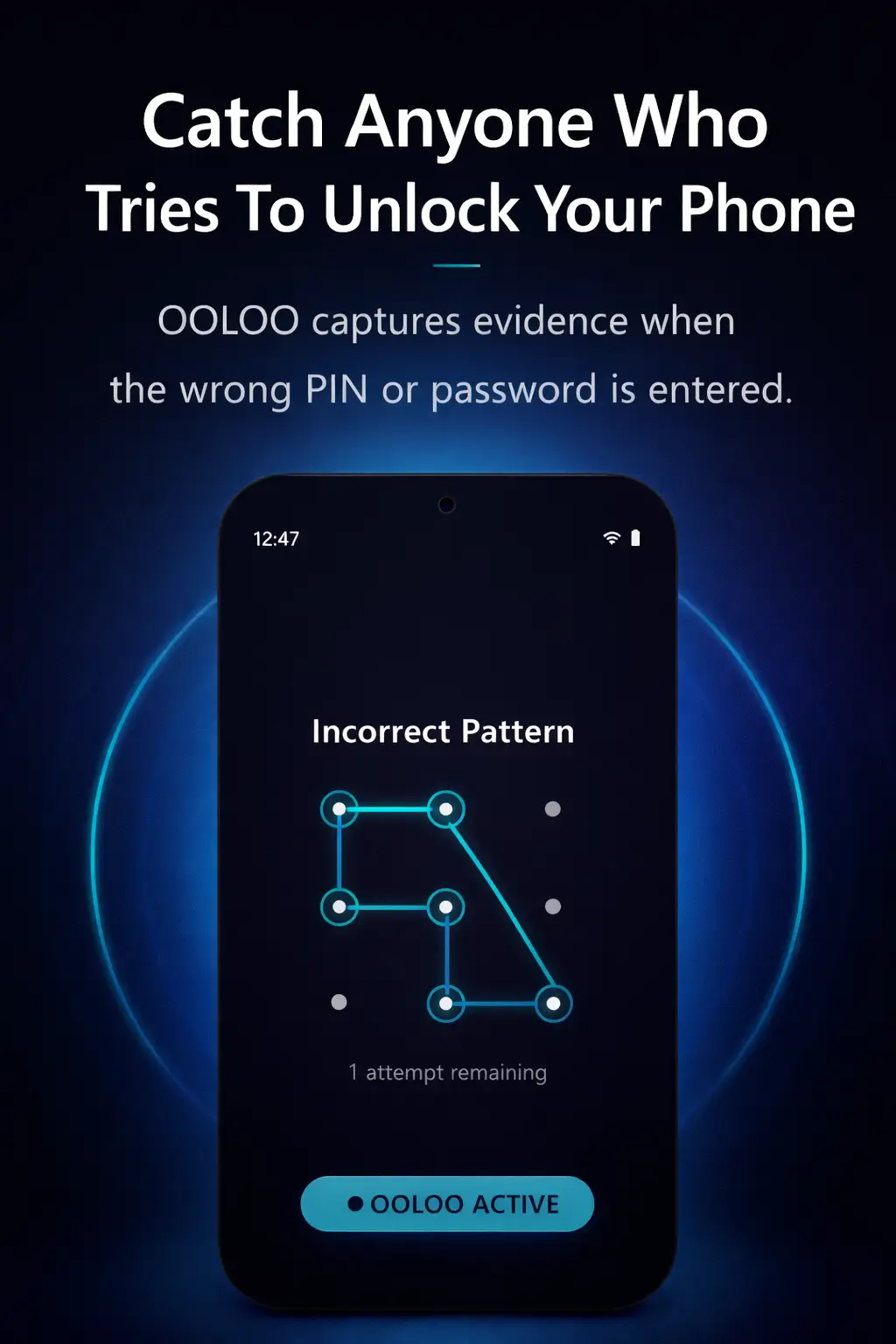
Captures evidence when wrong PIN or pattern is entered.
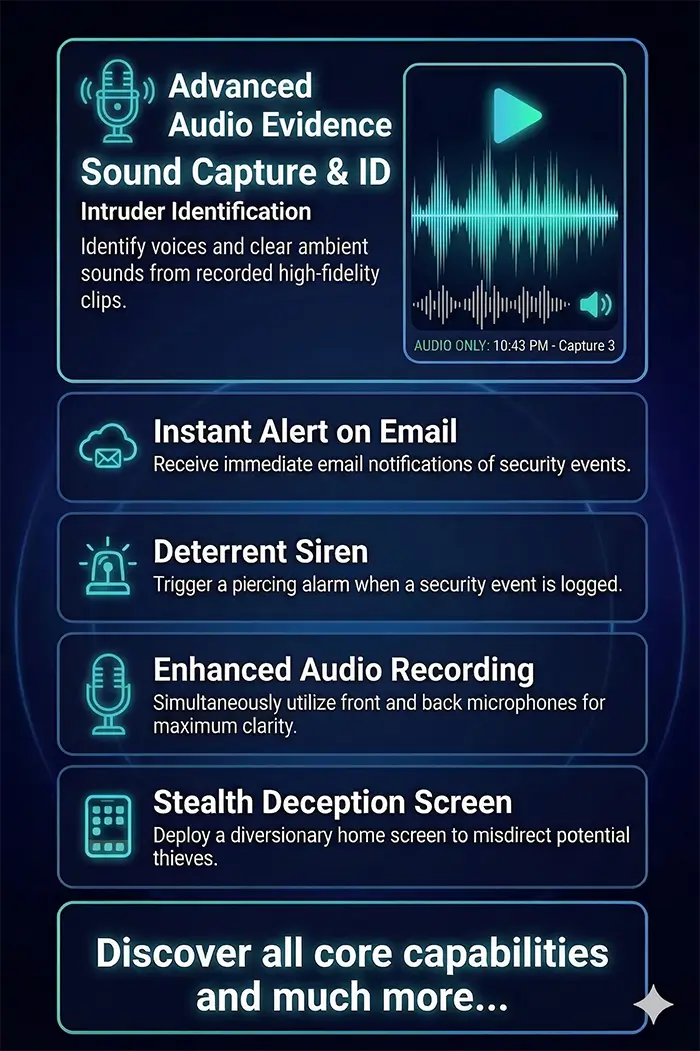
Records ambient audio as supporting intrusion evidence.
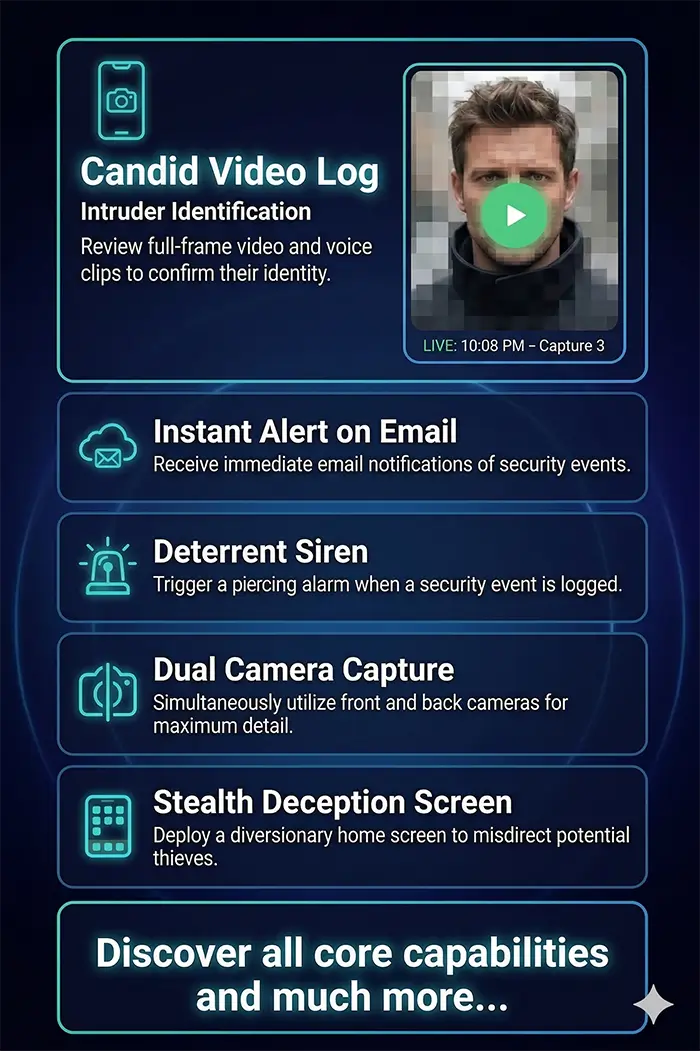
Logs candid video evidence to verify suspicious activity.
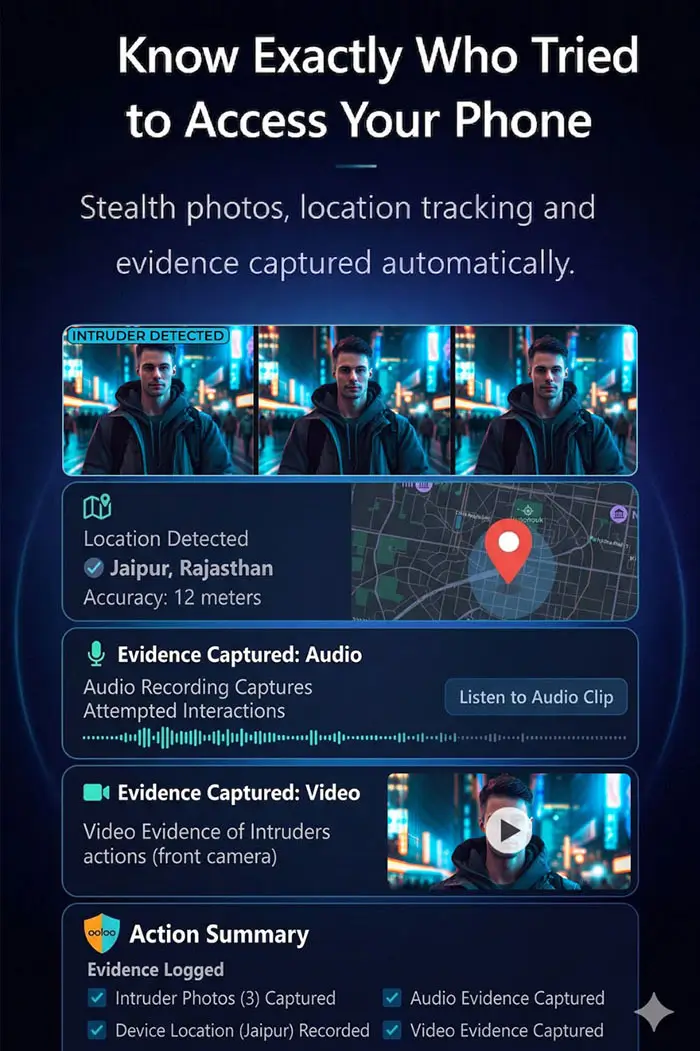
Complete timeline with stealth photos, location, audio, and video.
Security & Trust
OOLOO Security is built to collect only the evidence needed for device safety.
Background monitoring is optimized to run quietly without interrupting daily use.
Evidence is sent directly to your email account for immediate access.
Detection logic monitors intrusion signals and tamper attempts continuously.
FAQ
We use AES-256 military-grade encryption for all media and personal data stored on your device and during transmission.
Location data is only used to provide coordinates in your security alerts. We do not track or sell your movement history.
Only you. Photos captured during security events are encrypted and sent directly to your configured email. We never store them on our servers.
Yes. You have full control and can clear all app data and captured media from the settings menu.
Captured evidence is typically deleted immediately after a successful transmission to your email to minimize risk.
Yes. The core intrusion detection engine runs locally on your device hardware, ensuring protection even in remote locations.
Photos and security logs are encrypted and stored in a secure local vault, then automatically synced once connectivity is restored.
Local siren alarms and device lock-down happen instantly. Email/SMS alerts are queued and sent as soon as the network is available.
OOLOO keeps a persistent local state. If the device comes online even briefly, background sync transmits stored coordinates and evidence.
Stop it from the notification. Or once you unlock the phone, the alarm will stop automatically.
Yes you can press stop button in the notification to stop the alarm or once you unlock the phone, the alarm will stop automatically.
Yes, the alarm will work if the app is closed or phone is locked.
The device can vibrate and blink the camera flash along with the alarm sound for maximum attention.
Yes. The camera flash can blink repeatedly for urgent alerts. Ensure your device has flash support and camera permission is granted.
This usually happens when Device Admin is still active. Disable Device Admin first, then uninstall.
If launcher cache is stale, restart your device to refresh the app list.
All local vault data and app configurations are removed during uninstallation.
No. We do not retain copies of your security logs once the app is removed.
Install OOLOO Security and protect your Android device with intelligent anti-theft monitoring.
Download on Google Play